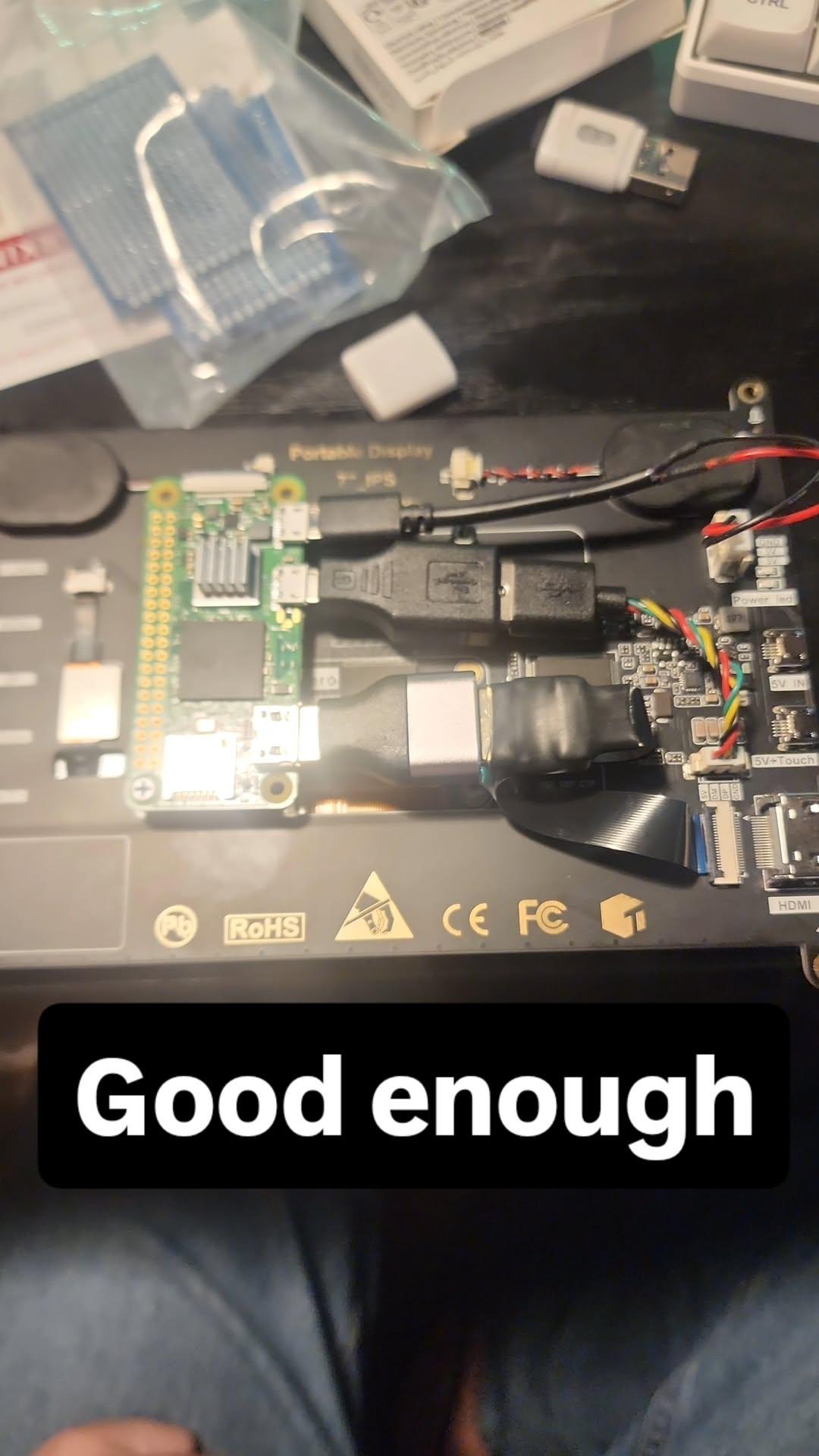
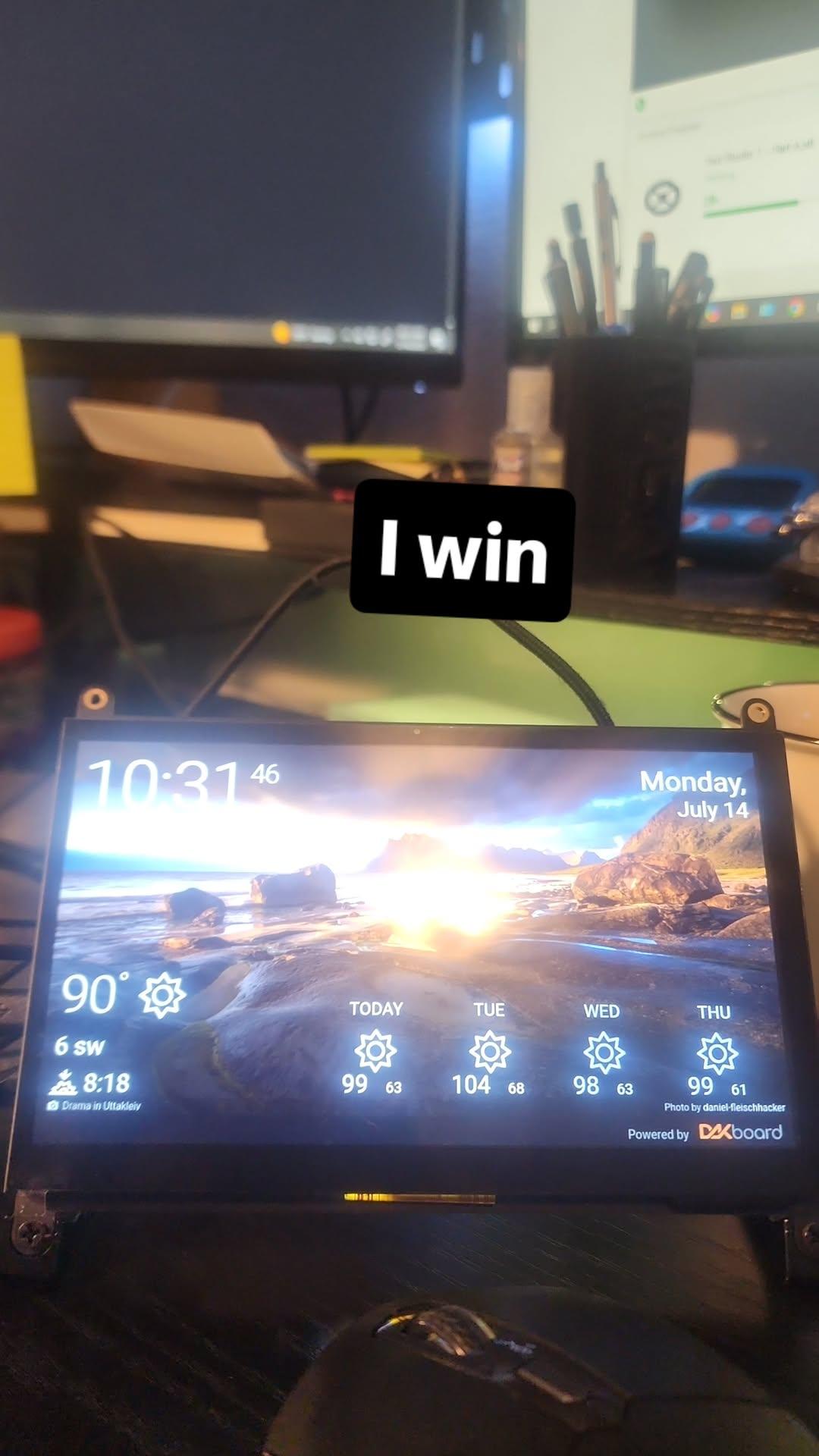
I built this project because I struggle with time management and wanted a dedicated planning display that would not pull me into phone distractions. The result was an always-on smart dashboard that became one of the most useful things on my wall.
Project Photo
System Overview
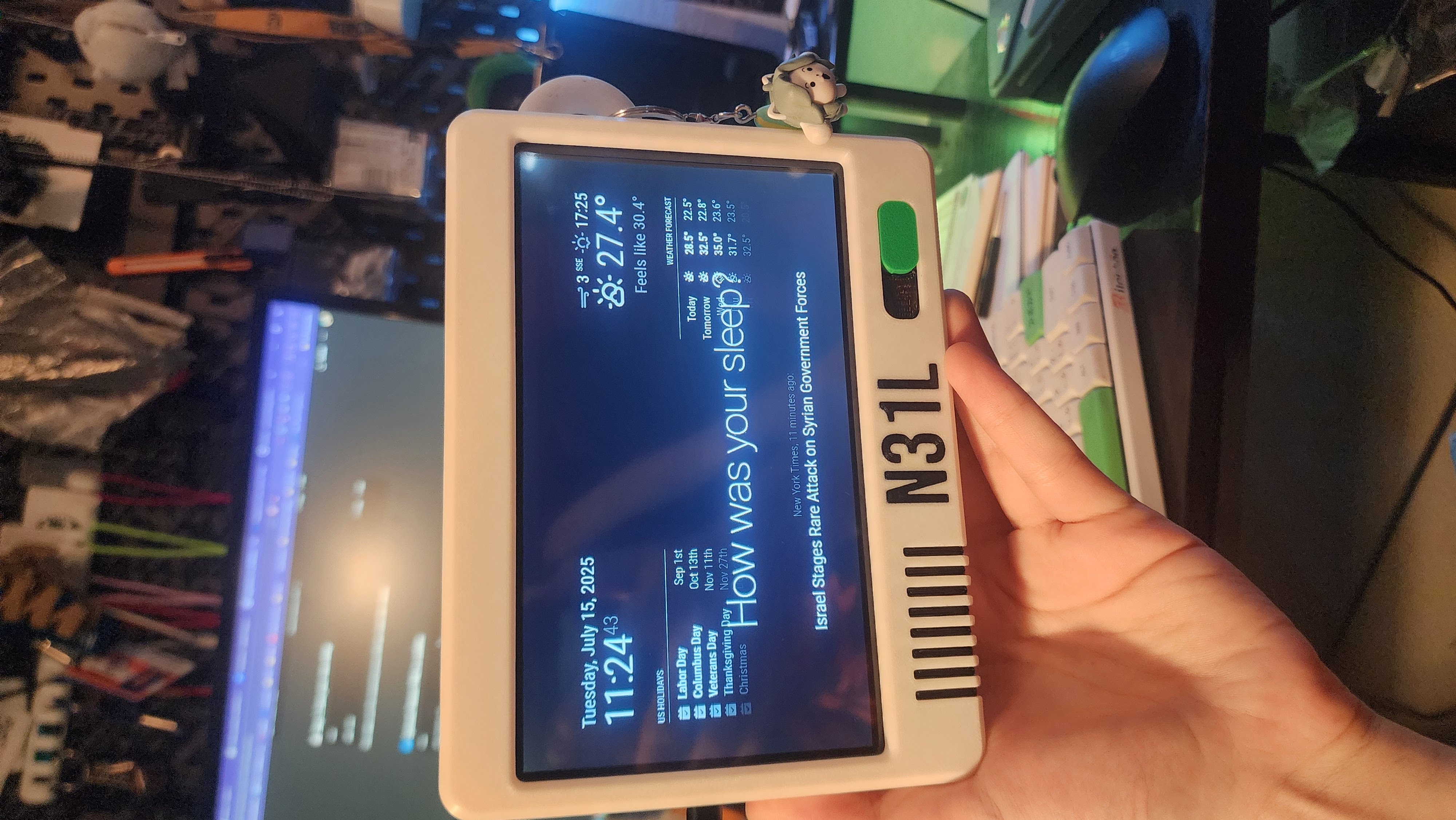
The hardware platform was a Raspberry Pi Zero 2W running DAKboard, synced to Google Calendar and Todoist. I also integrated live weather so the dashboard could function as a quick daily planning panel in one glance.
Mechanical Build
I designed and 3D printed a custom wall-mount enclosure to hold the display and Pi cleanly against the wall. The enclosure kept wiring hidden and made the install feel like a dedicated household device rather than a temporary prototype.
Software Bring-Up
Hardware assembly was straightforward, but reliable software startup required extra tuning. I spent time configuring boot behavior so it would consistently launch directly into the dashboard without manual intervention.
Practical Impact
Having an always-visible dashboard significantly reduced how often I checked my phone "just to see what's next," which cut distraction and improved day-to-day organization. For a relatively simple build, the quality-of-life payoff was huge.
More Photos